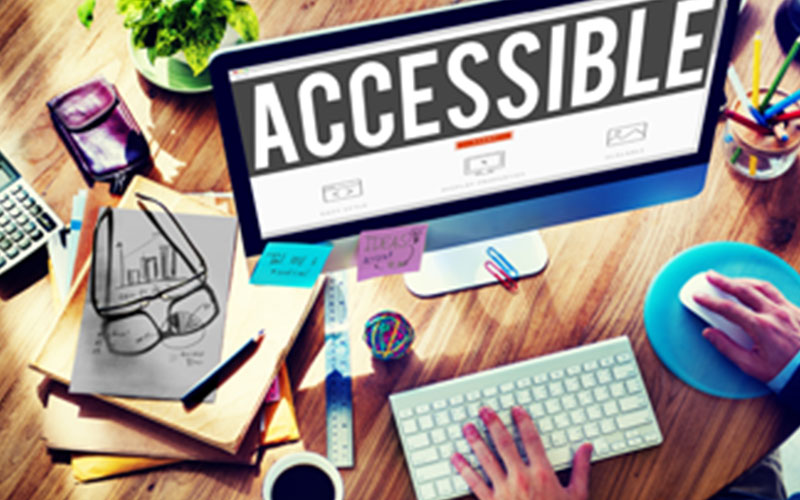
Accessibility can sometimes feel overwhelming, with lots of jargon and unexplained requirements. This series of posts will strive to help demystify the world of digital accessibility. First, we’ll focus on the liability aspect of the digital accessibility landscape, before diving into the Americans with Disabilities Act (ADA) and other legal requirements, and finally delving into specific techniques for improving digital accessibility.
Within the United States, the number of accessibility lawsuits has been rising, year over year. While the final numbers for 2019 have not been totaled, the law firm, Seyfarth Shaw,cites over 10,206 lawsuits filed in U.S. federal courts from January to November of last year. A plurality of these lawsuits were filed in California courts, claiming violations of the ADA.
While in the past many of these lawsuits were filed almost exclusively against companies in the private sector, within the past few years we have seen an increase in cases filed against K-12 and Higher Ed groups relating to private companies and their educational offerings.
In this category, the most prominent case is the National Association of the Deaf’s (NAD) case against Harvard University. The crux of this lawsuit, which was originally filed in 2014, stems from Harvard posting videos without closed captioning.
While this lawsuit is between a disability rights group and a university, what makes this suit particularly relevant is that Harvard posted the videos on third-party sites such as YouTube, iTunes, and SoundCloud. While the jury remains out on this case, many other cases all point to the same conclusion, third-party developed content exposes schools of various types to potential ADA liability.
This point was underscored in a recent Department of Education Office of Civil Rights (OCR) resolution agreement with the University of Montana. In the Background section, the OCR outlines multiple pieces of content, largely third-party, that the university provided to students.These include “inaccessible class assignments and materials; inaccessible live chat and discussion board functions in the learning management system, Moodle; inaccessible documents that are scanned images on web pages and websites[, and] inaccessible library database materials”. This last point is significant as it was the first time inaccessible library materials were cited in a federal accessibility complaint case.
Lawsuits addressing inaccessible digital materials are becoming more and more common. As a provider of educational content, what- if anything- can you do?
Does this mean we should not work with third party vendors? …you might ask. There are many benefits to working with third party vendors, from time and cost efficiencies to scalability.
When it comes to vendors, it is important that you pick a partner you can trust, one who knows and cares about accessibility as much as you do.
Stay tuned for our next blog post in which we will discuss the various laws, rules, and regulations, so that you have the tools to safely choose your trusted third party vendor. From there, we’ll address specific techniques for fixing common accessibility issues.
FAQ’s
“@context”: “https://schema.org”,
“@type”: “FAQPage”,
“mainEntity”: [
{
“@type”: “Question”,
“name”: “What is digital accessibility liability, and why does it matter for organizations?”,
“acceptedAnswer”: {
“@type”: “Answer”,
“text”: “Digital accessibility liability refers to the legal risk organizations face when their digital content (websites, eLearning, videos, documents) is not accessible to people with disabilities. With the rise in ADA-related lawsuits, organizations must ensure accessibility compliance to avoid legal action, financial penalties, and reputational damage.”
}
},
{
“@type”: “Question”,
“name”: “Why are ADA accessibility lawsuits increasing in the United States?”,
“acceptedAnswer”: {
“@type”: “Answer”,
“text”: “Accessibility lawsuits are increasing due to stricter enforcement of the Americans with Disabilities Act (ADA), growing awareness of digital rights, and the expansion of digital platforms. Courts are increasingly holding organizations accountable for inaccessible online content, including websites, learning platforms, and multimedia.”
}
},
{
“@type”: “Question”,
“name”: “Can third-party content create accessibility compliance risks?”,
“acceptedAnswer”: {
“@type”: “Answer”,
“text”: “Yes, third-party content can significantly increase accessibility risks. Even if content is hosted on platforms like YouTube or external learning systems, organizations can still be held liable for ADA compliance violations if the content is inaccessible (e.g., missing captions, non-compliant documents).”
}
},
{
“@type”: “Question”,
“name”: “How do I ensure third-party vendors meet accessibility compliance requirements?”,
“acceptedAnswer”: {
“@type”: “Answer”,
“text”: “To ensure compliance, evaluate vendors based on their adherence to accessibility standards like WCAG, request accessibility documentation (such as VPATs), and include accessibility clauses in contracts. Choosing the right accessible content provider reduces long-term legal and operational risks.”
}
},
{
“@type”: “Question”,
“name”: “What are the most common digital accessibility issues that lead to lawsuits?”,
“acceptedAnswer”: {
“@type”: “Answer”,
“text”: “Common issues include: videos without closed captions, inaccessible PDFs or scanned documents, non-compliant learning management systems (LMS), and poor screen reader compatibility. These gaps often result in accessibility complaints and legal actions.”
}
},
{
“@type”: “Question”,
“name”: “Are educational institutions more vulnerable to accessibility lawsuits?”,
“acceptedAnswer”: {
“@type”: “Answer”,
“text”: “Yes, K-20 schools and higher education institutions are increasingly targeted due to their reliance on digital learning tools and third-party educational content. Cases have shown that inaccessible course materials, LMS platforms, and library resources can trigger compliance violations.”
}
},
{
“@type”: “Question”,
“name”: “What should I do if my organization already has inaccessible digital content?”,
“acceptedAnswer”: {
“@type”: “Answer”,
“text”: “Start with an accessibility audit to identify gaps, prioritize high-risk content, and implement remediation strategies such as captioning videos, converting documents into accessible formats, and updating platforms to meet WCAG and ADA standards.”
}
},
{
“@type”: “Question”,
“name”: “How can I reduce the risk of accessibility-related legal issues in my organization?”,
“acceptedAnswer”: {
“@type”: “Answer”,
“text”: “You can reduce risk by conducting regular accessibility audits, training teams on accessibility best practices, partnering with accessibility-focused vendors, and implementing organization-wide accessibility policies. Proactive compliance helps avoid costly digital accessibility lawsuits.”
}
}
] }